Resources
The hour before the patient arrives

The appointment starts at ten. The work starts earlier, and most of the early part is not clinical: someone reads the referral and re-keys it, and someone finds out what a normal day of eating looks like. On a first appointment that second job can swallow the opening third of the consultation.
Both can move to before the patient walks in.
1. Send the intake link when you book
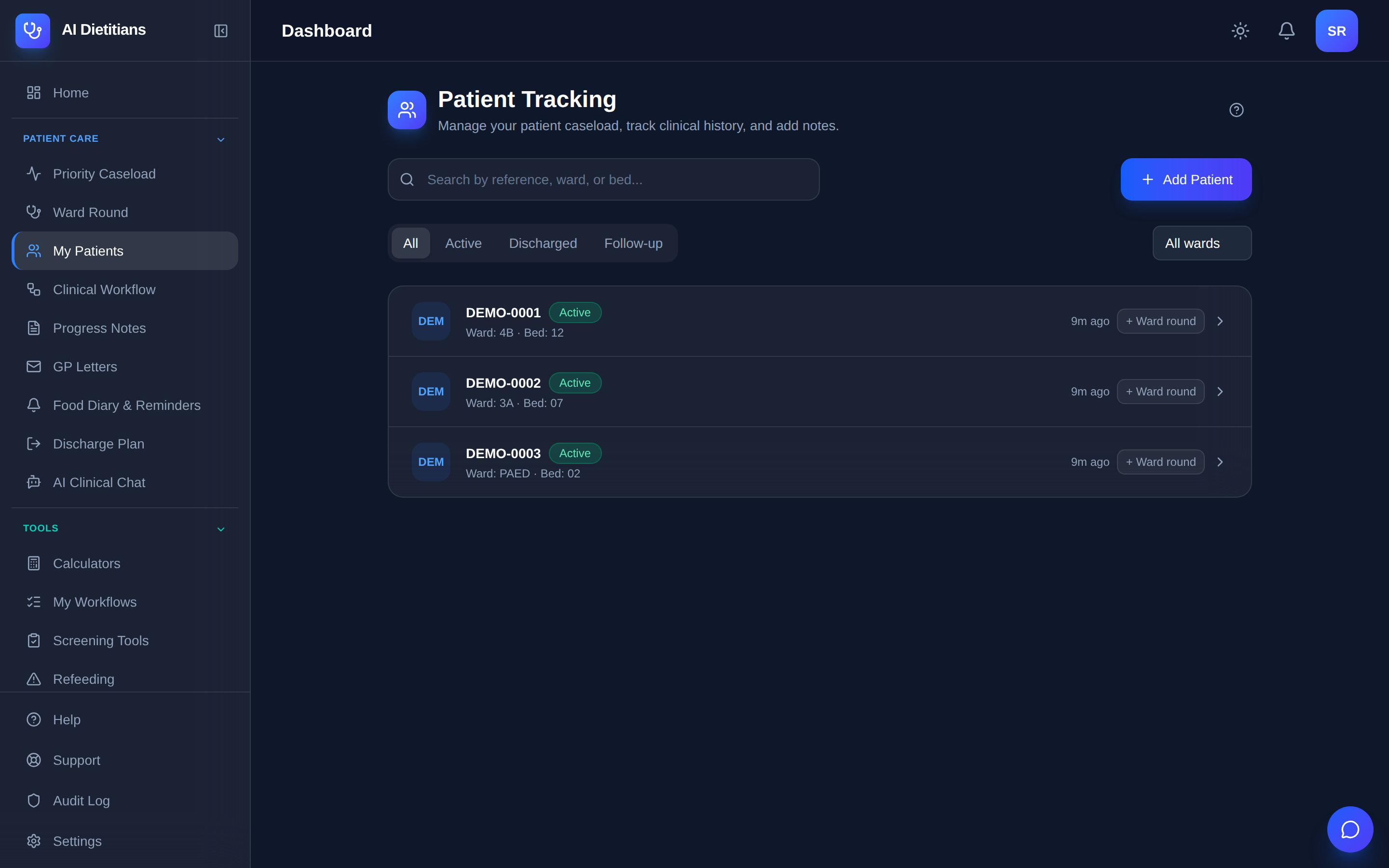
When you add a patient — or create one who is not in your records yet — you generate a link and send it. They open it in a browser: no account, no app, no password.
The link is signed rather than guessed: it carries its own expiry and a signature the server checks before anything loads. The default is 14 days, the range an hour to 90 days, and “never expires” is not an option the code offers. You get a copyable link and a QR code with the expiry beside it.
Once the form is submitted the link will not accept a second submission, so a forwarded email cannot overwrite the first set of answers.
2. What the patient is actually asked
First a consent step: a short notice about how the information will be used, and a box to tick. They can opt in to reminders and leave a mobile or email address, or not.
Then four steps — health history, dietary snapshot, goals, funding.
Health history is condition chips rather than a blank box, plus medications, allergies, and “what has brought you to see a dietitian?”. The dietary snapshot is meal cards with quick-pick foods and a portion control — a little, usual, a lot — rather than an essay about breakfast. Goals is free text; funding is one question: private, Medicare CDM or NDIS.
Most fill it in on a phone, so the draft saves as they go.
3. It never asks for their name
This is enforced at the data layer, not by leaving a field off a form. The public page never fetches the patient’s name, date of birth, record number or diagnosis — the server hands it your practice name and logo and nothing else, and a test asserts the exact set of fields it may receive.
A link that lands in the wrong inbox exposes your branding, not a patient.
4. Review it as a diff, not a form to re-type
When answers come back, a review card appears on your dashboard and a badge on the patient’s record. That exists because it did not: a submitted intake once sat six weeks with nobody told.
The review is a three-column comparison — current value, incoming value, a checkbox per field. Nine fields can reach the chart, from medical history and allergies through to goals and funding pathway.
Applying writes only what you ticked. Allergies merge rather than overwrite, medications become medication rows, and free text appends to the notes under a dated header.
5. Read the referral in, rather than re-typing it
Paste the text, or upload a JPEG, PNG or PDF of up to 20 pages.
What comes back sits side by side: the source on the left, extracted fields on the right, grouped into demographics, history and medications, and biochemistry. A badge counts how many fields were filled, so you know what is still yours. You apply or discard — nothing reaches the record until you say so. From referral to signed note walks the rest of that consultation.
6. OCR confidence is not a safety gate
The obvious design would have been to trust a confidence score and skip the reading. We tested that. On a rendered referral, a thresholded fax scored 88 for mean OCR confidence and misread a height of 171 as 172 and a weight of 62.5 as “62 5”. A blurred scan scored 67 — far lower — and read both correctly. Confidence tracks how crisp the glyphs look, not whether the characters are right. A threshold between those two numbers would have rejected the accurate page and accepted the wrong one.
So no confidence score decides whether an extraction can be trusted. The per-field labels change your reading order — a toggle brings the doubtful ones to the top — not which fields you may skip.
You still read the referral. That is why the source sits beside the extracted fields rather than behind a link. An extraction that silently populates a clinical record is one nobody checks.
7. What crosses the border
Reading a referral is an AI feature, and AI processing happens in the United States. Digital intake is not, and sends nothing overseas.
Typed referral text — pasted, or a PDF with a real text layer — is de-identified on the Australian server before it forms part of a prompt: names on labelled lines, Medicare numbers, dates of birth, phone numbers and emails go at that point. Redacted text still leaves the country. A scanned page is harder, because an image cannot be redacted the way text can, and the notice in the product says so.
The referral document itself is never stored. The full picture is on data handling.
What this does not do
It does not decide anything. It does not know whether the referral is appropriate, whether the history is complete, or whether what someone typed at nine on a Tuesday night is what they would say to your face. That is what the appointment is for.
What moves is the re-typing. The limits are the more useful thing to evaluate: what AI should not do in a clinical note covers the rest, and the features page says which plan each part sits on.
References
- Dietitians Australia, Professional Practice Standards — the APD credential.
- OAIC, Australian Privacy Principles — APP 8 governs cross-border disclosure.
AI Dietitians produces drafts to support clinical documentation. The treating clinician remains responsible for all clinical content, including anything read from a referral or submitted by a patient.